How to File a DMCA Takedown on Instagram
Someone reposting your photos, Reels, or artwork on Instagram without permission is frustrating, and the in-app "report" button often isn't the right tool, because it files a community-guidelines report rather than a legal copyright notice. Instagram's parent company Meta runs a dedicated Copyright Report Form that any rights owner can use, no Instagram account required, and it covers Threads too. This guide shows the exact screens as of July 2026.
If you'd rather not handle the process yourself, Rulta is a done-for-you DMCA takedown service whose team files and follows up on takedowns across Instagram and other platforms on behalf of content creators.
Before you start
- Proof of ownership, your original file or a link to where the work first appeared (your account, website, or portfolio).
- Direct links to every stolen Instagram post, Reel, or Story. On the web, open the post and copy the address bar; in the app, use the share icon and choose Copy link.
- Your contact details, full name, email address, and (for organizations) who you represent.
- A written description of your original work ready to paste.
Step 1: Open Instagram's rights reporting hub
Go to https://help.instagram.com/contact/372592039493026, the page titled "Reporting a Violation or Infringement of Your Rights on Instagram or Threads". It asks one question: "What right is being violated or infringed?" with two radio options, Copyright and Trademark.
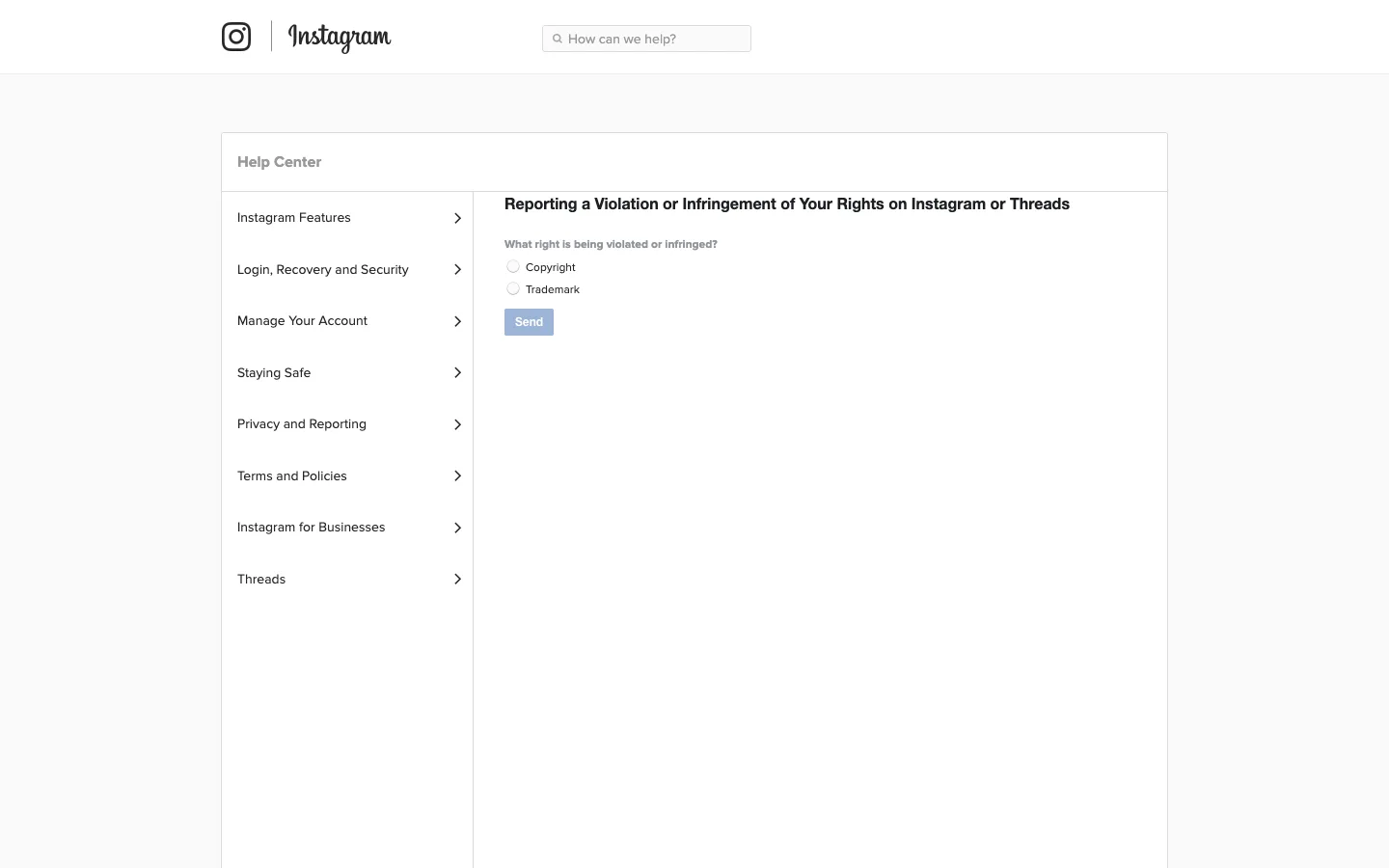
Step 2: Select Copyright and click Send
Choose Copyright, that's the right option for stolen photos, videos, music, artwork, or written content, then click the Send button. Trademark is only for brand names and logos used to confuse customers.
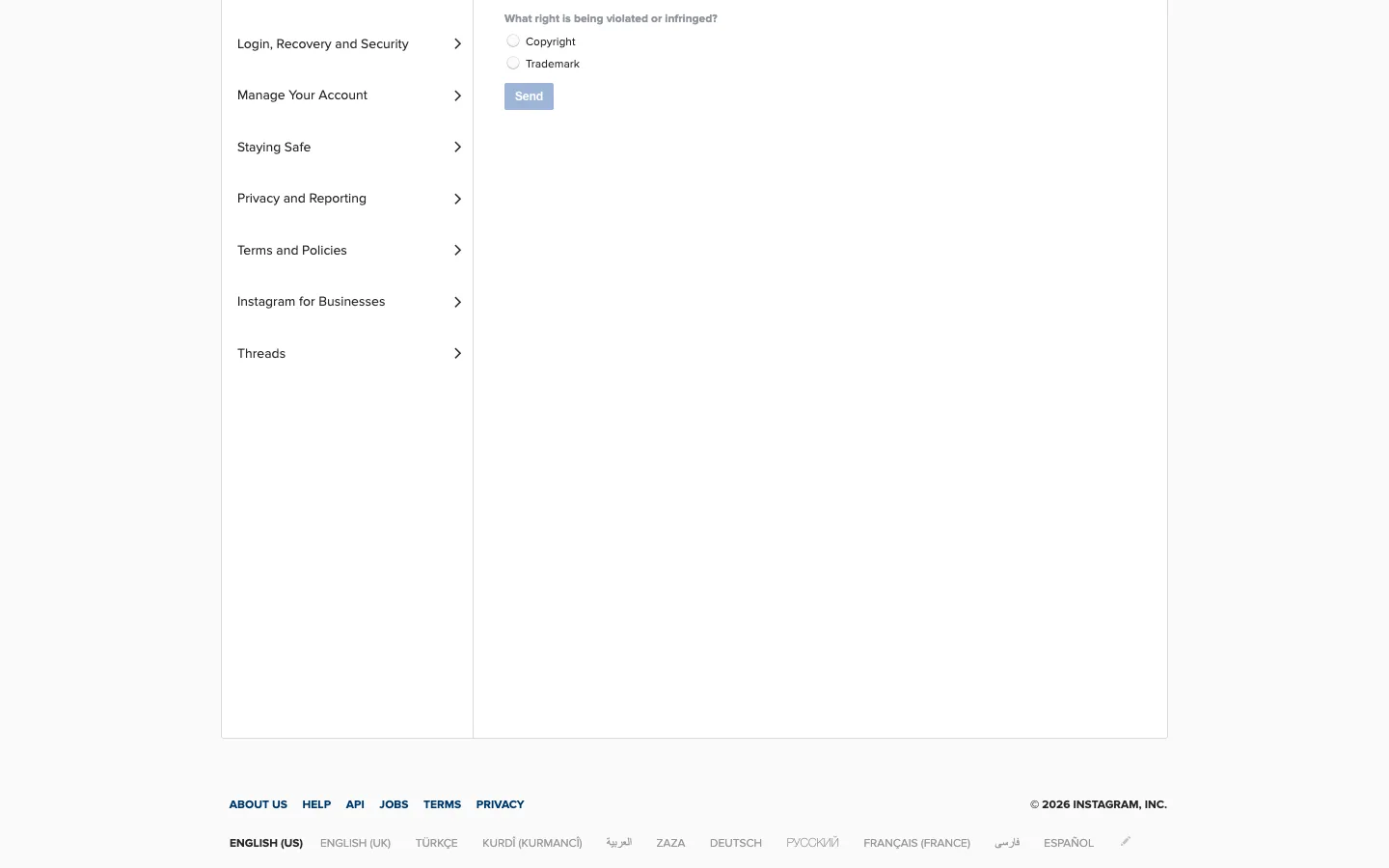
Step 3: Open the Copyright Report Form
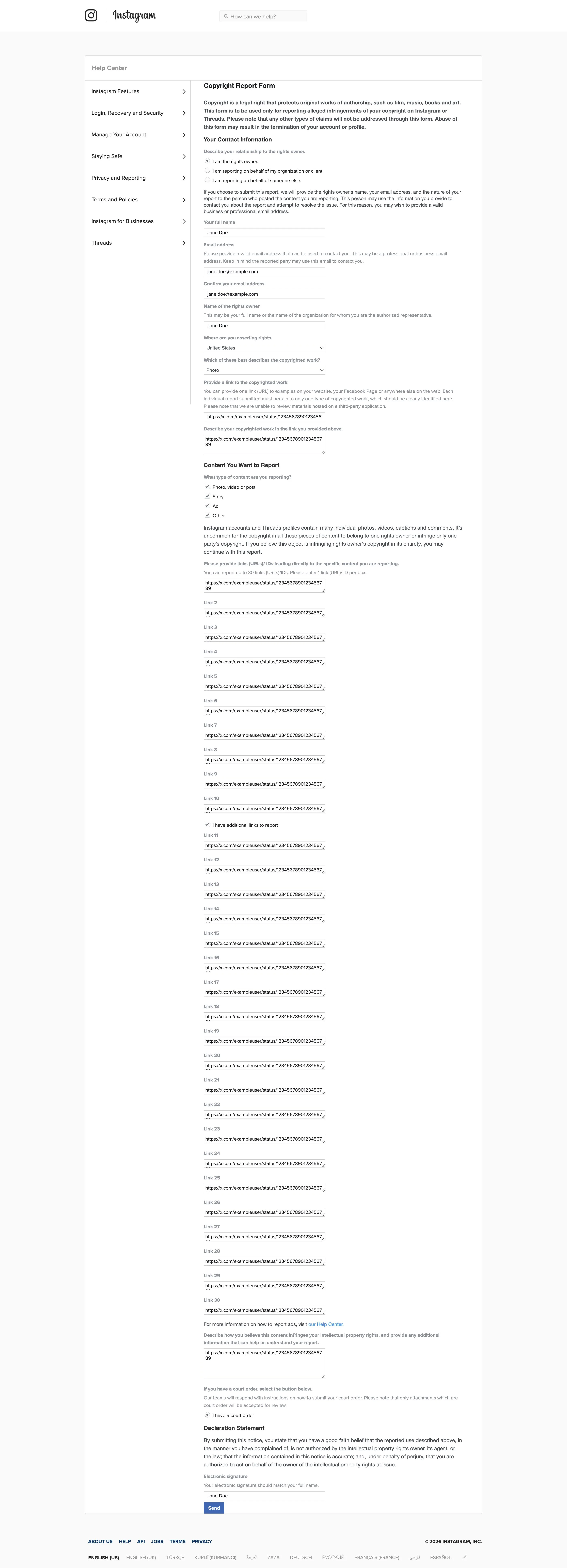
You'll be routed to the dedicated Copyright Report Form (https://help.instagram.com/contact/552695131608132). The intro confirms the form is "to be used only for reporting alleged infringements of your copyright on Instagram or Threads" and warns that abuse of the form may result in the termination of your account or profile, so only report work you genuinely own or represent.
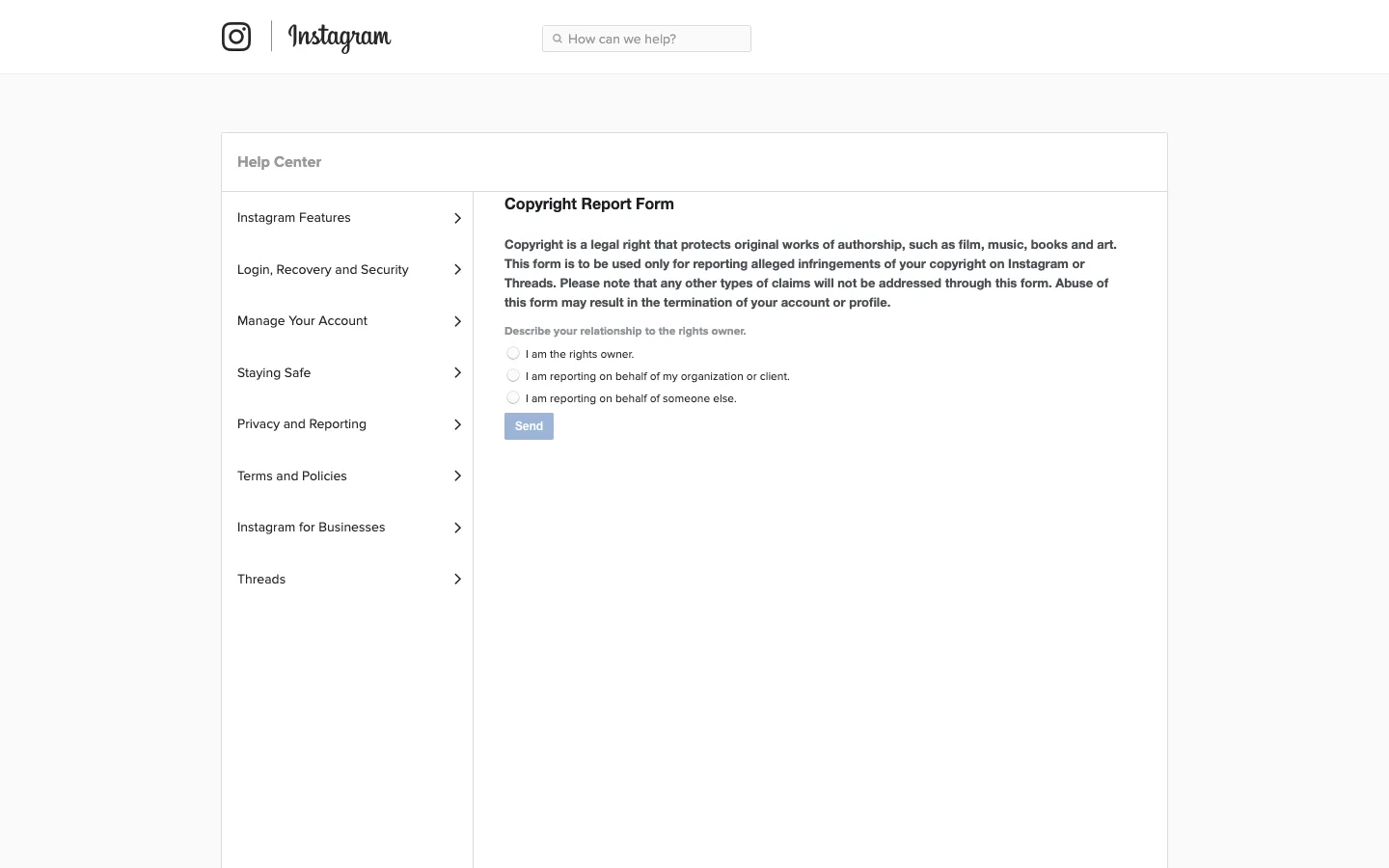
Step 4: Describe your relationship to the rights owner
Under "Describe your relationship to the rights owner." pick one of the three radios: I am the rights owner., I am reporting on behalf of my organization or client., or I am reporting on behalf of someone else. Most creators reporting their own stolen content should choose the first option. Click Send to continue.
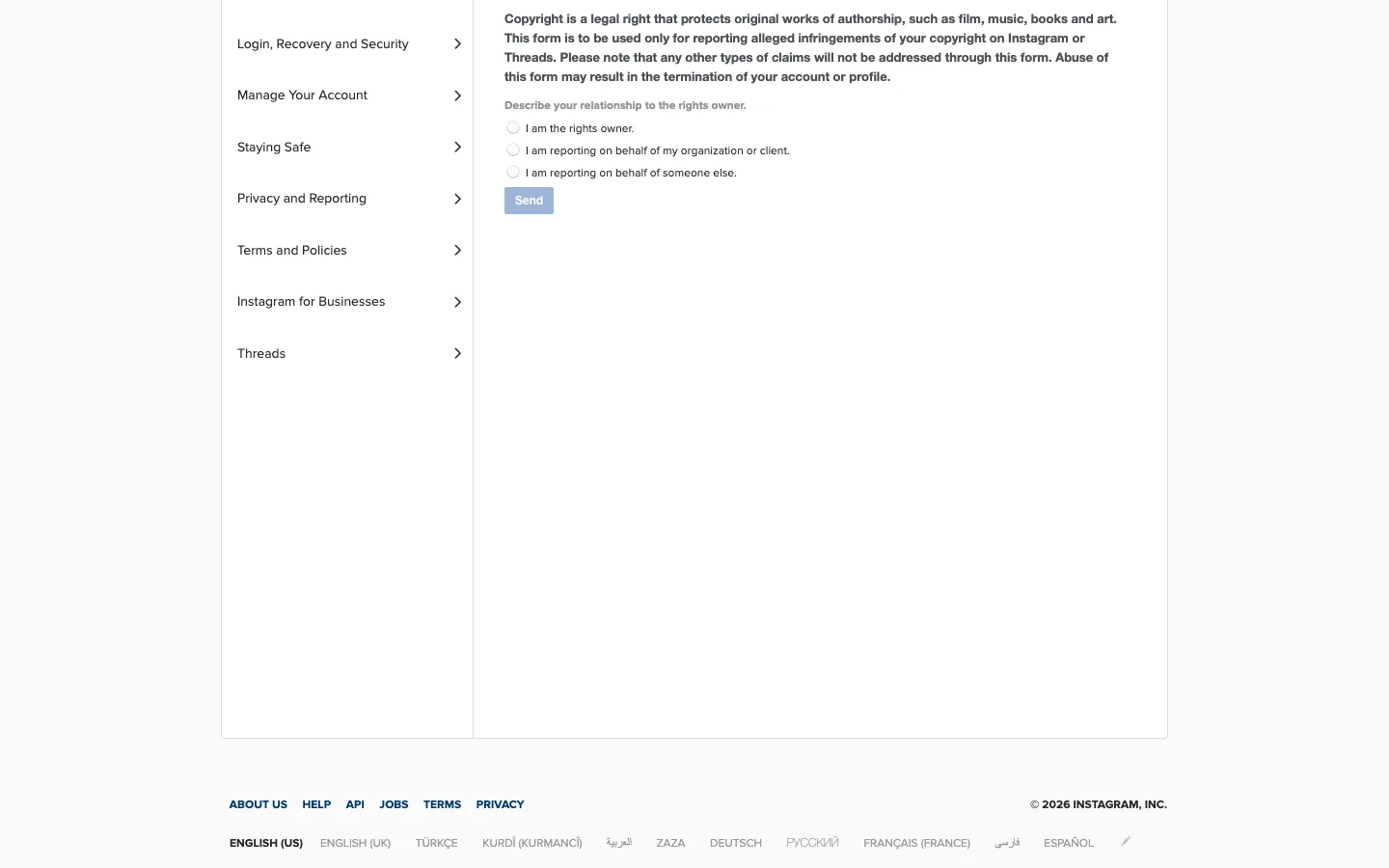
Step 5: Fill in your contact details and the links to the stolen posts
The form now expands. Enter your full name and email address, then paste the links to the stolen posts, the exact web address of each Instagram post, Story, or Reel (and any Threads posts). The form gives you up to 30 boxes, one link per box. One vague link to a profile is not enough; Meta acts on the specific links you give, so list every one.
Step 6: Describe your original work
Explain what your copyrighted work is and where it lives, for example, "a photograph I took, first published on my website at [link]" or "a video from my Instagram account @yourhandle". The easier you make the side-by-side comparison, the faster the review goes.
Step 7: Sign the declarations and submit
Finally, confirm the standard DMCA statements: that you have a good-faith belief the use is unauthorized, that the information is accurate, and that under penalty of perjury you are the owner or authorized to act for them. Type your full name as an electronic signature and submit.
What happens after you file
Meta's IP operations team typically responds within a few days by email, keep an eye on your inbox, including spam, because they may ask for clarification. When content is removed, the poster is notified and given your report details, and they can submit a counter-notification; if they do, Meta may restore the content after 10-14 business days unless you notify them that you've filed a court action.
If your report seems ignored, reply to the confirmation email with the missing details or re-file with more precise links and proof. You can also file a DMCA notice with Google Search so the stolen posts stop appearing in search results while you wait. For creators dealing with constant re-uploads, delegating the monitoring and refiling to a service like Rulta saves the most time.
This guide is educational information, not legal advice.
Need the notice text?Generate a complete DMCA notice for Instagram — free, one minute
Exhibit A — official takedown formhttps://help.instagram.com/contact/552695131608132
Frequently asked questions
Do I need an Instagram account to file a copyright report?
No. The Copyright Report Form is a public web form in the Help Center and works without logging in.
How long does Instagram take to respond to a DMCA notice?
Meta's IP operations team typically responds within a few days. Clear-cut cases with exact URLs are often resolved faster.
Does the same form cover Threads?
Yes. The Copyright Report Form explicitly covers both Instagram and Threads.
Will the person who posted my content know I reported them?
Yes. Meta forwards your report details, including your name and email, to the account that posted the content, so they can respond or file a counter-notice.
Can I report an entire account instead of individual posts?
The form works on specific links. List every stolen post, Reel, or Story link; if an account keeps stealing, Meta's repeat-offender policy can lead to the account being disabled.
What if I only reported the post in the app?
In-app reports are policy reports, not legal notices. For a DMCA takedown with legal weight, use the Copyright Report Form.